The API, the CLI and the MCP server · June to August 2026
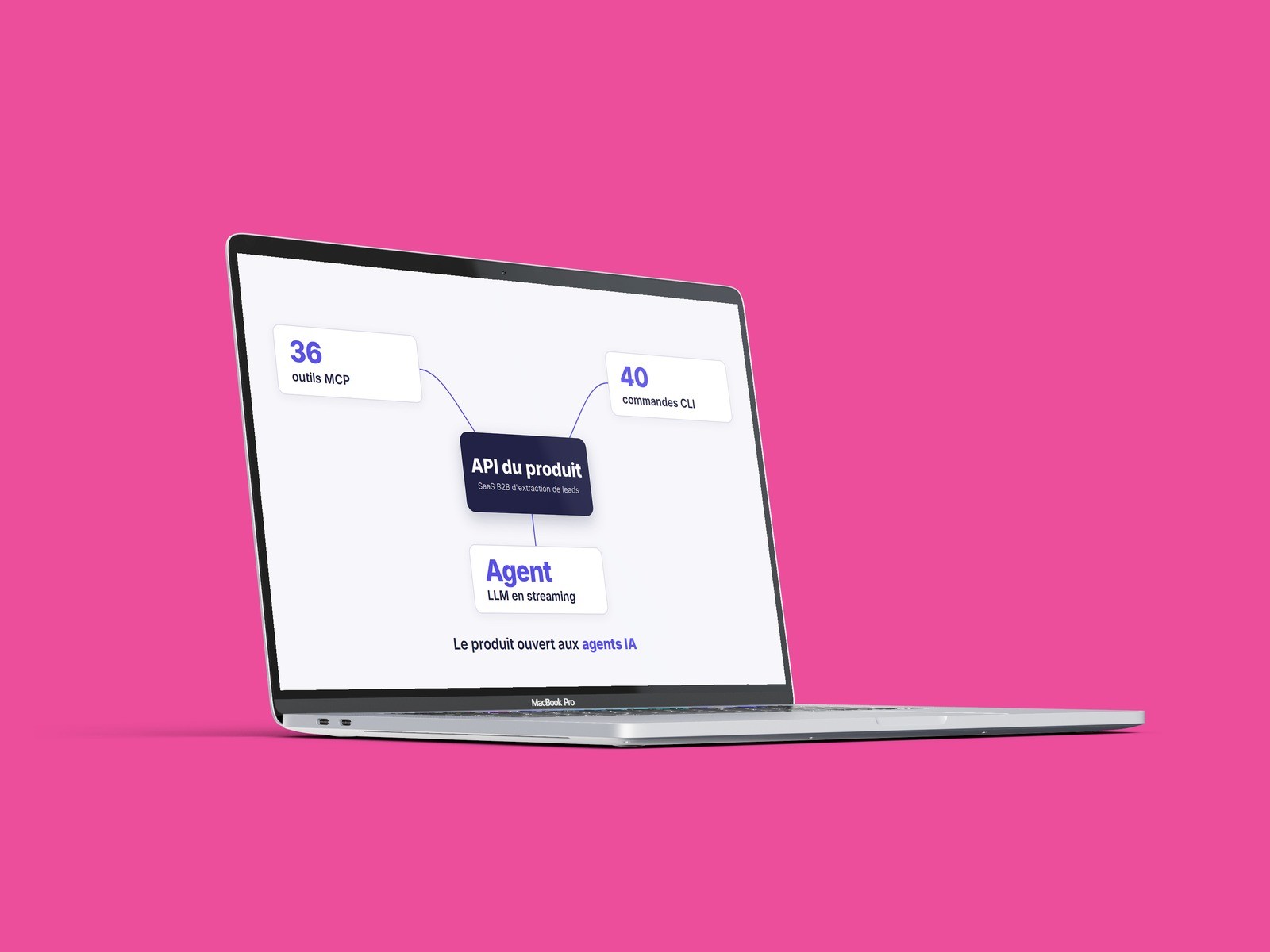
36 tools and 40 commands: an MCP server and a CLI shipped in three months
I added new interfaces to an existing app: an MCP server (for AI assistants), a CLI (for access from the terminal) and an AI agent for conversational use.
- 36MCP tools in production
Situation The product had to open up to AI assistants.
The core of the app had just been rebuilt on Django, with a public API. Several layers that users and agents use every day were still missing.
The product needed:
- a way for AI assistants like Claude or ChatGPT to use it
- direct access from the terminal for power users
- a conversational way to use it, to ease adoption (through an AI agent)
Mission Ship these interfaces.
These three interfaces had to be built and shipped on the new stack.
Actions
- An MCP server. The MCP server is the connector that lets an AI assistant use the product. This one exposes 36 tools: read data, write it, run long tasks and extractions.
- A CLI. A tool with 40 commands to use the product from the terminal.
- An AI agent. It answers questions on the product’s data. The text appears as it is written (streaming), and the agent handles rate limits.
- Contributions to the core. I also opened pull requests on the core of the app to add or fix API endpoints.
Results
- MCP server in production in August 2026.
- CLI at version 0.3.1, installable with a single command.
- AI agent tools in production.
What you get
An MCP server, a CLI and an agent on top of your API, in production, released through a pipeline and reviewed like the rest of your code. One person builds and ships that layer next to your backend engineer.
 EvabootSee every project for this clientNextThe marketing site migration